There are two ways. Install the Skyline Mail app (listed on the App Store as "Skyline Cloud Mail"), type your work email, select Next, enter your mailbox password and select Sign in. Or use Apple's own Mail app: in the Skyline Cloud console open the mailbox, select Connect Mobile, download the configuration profile on the phone and tap Install. Mail, calendar and contacts then sync.
What you need
- Your mailbox address and password. If you do not have them, ask the person who manages mail in your company.
- An iPhone or iPad with iOS 15 or later for the Skyline Mail app.
- For Apple Mail with calendar and contacts: a mailbox on the Pro or Business plan, which include Exchange sync.
How do I sign in to the Skyline Mail app on iPhone?
Install the app. Open the App Store and search for "Skyline Cloud Mail", or open the App Store page directly. The app is free.
Enter your work email. On the Sign in screen, under Use your work email, type your full mailbox address in Email and select Next.
Enter your password. On Welcome back type your mailbox Password. Leave Keep me signed in on if this is your own phone, then select Sign in.
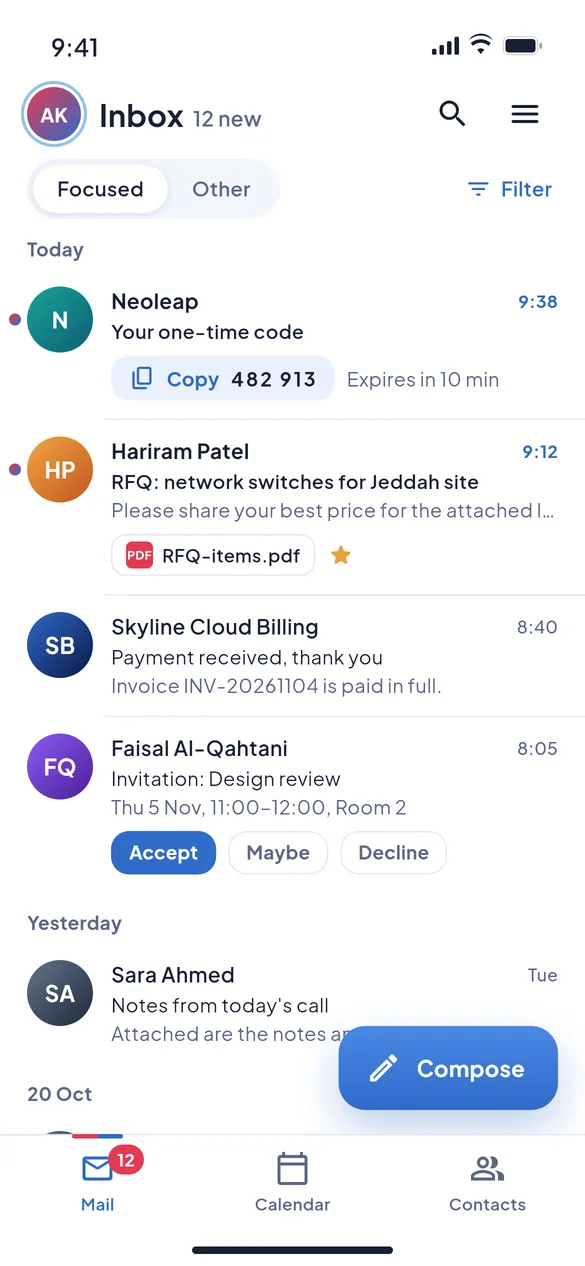
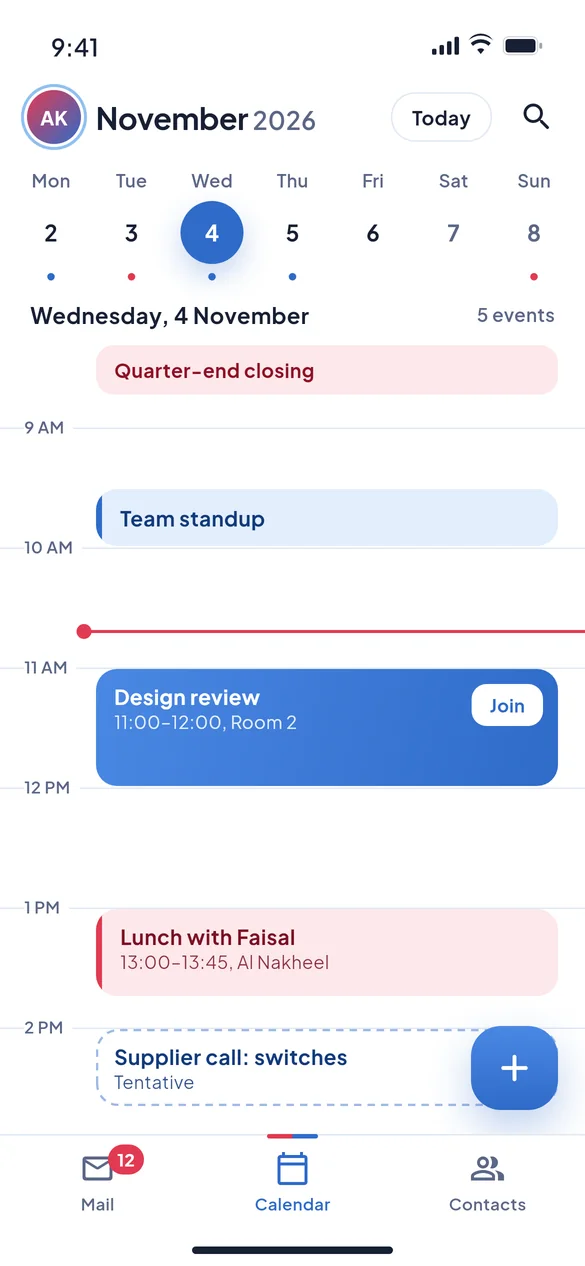
Find your way around. The tabs at the bottom are Mail, Calendar and Contacts. Meeting invitations open with their details so you can answer them from the message.
How do I add the mailbox to Apple Mail instead?
- On a computer, sign in to the Skyline Cloud console and open the mailbox under Skyline Mail → Mailboxes (or ask your administrator to do this).
- Under Connect your mail select Connect Mobile.
- Under iPhone or iPad select Download .mobileconfig, or open the link shown there on the phone itself.
- On the iPhone open Settings, tap the downloaded profile and tap Install. Enter the mailbox password when asked.
The profile carries the right server settings, so nothing has to be typed by hand. The mailbox is added as an Exchange account, and mail, calendar and contacts appear in Apple's Mail, Calendar and Contacts apps.
Which way should I choose?
| Skyline Mail app | Apple Mail with the profile | |
|---|---|---|
| Set-up | Email and password in the app | Profile from the console, then Install |
| Where mail appears | In the Skyline Mail app | In Apple's Mail, Calendar and Contacts |
| Languages | Arabic and English | The language of the iPhone |
| Good for | Keeping work mail in its own app | One inbox for all your accounts |
If something goes wrong
| What you see | What to do |
|---|---|
| Wrong email or password. | Type the full address (name@company.sa) and check the password in webmail at mail.alskyline.com first. If webmail refuses it too, ask your administrator to set a new password. |
| The app worked and then stopped for everyone | Your administrator may have limited which apps can connect. The Skyline Mail phone app needs IMAP to be allowed in the App access mail policy. |
| Your company uses a different mail server name | On the sign-in screen open Server settings and change Mail server. Only do this if your administrator gave you a different server. |
| The profile will not install | Open the link in Safari, not inside another app, then go to Settings where the downloaded profile is waiting. |
Frequently asked questions
Is there a Skyline Mail app for Android?
Not on Google Play yet. On Android, add the mailbox to the phone's own mail app or to Outlook for Android as an Exchange account; the console's Connect Mobile panel shows a code to scan for this.
Do I need the two-step code in the app?
The mail apps sign in with the mailbox password. Two-step sign-in, when your company requires it, is asked in webmail.
How do I change my password?
In webmail. The app's Change password entry opens Skyline webmail, where the password is changed.
Does the app cost anything?
No. The app is free; you need a Skyline Mail mailbox to sign in.
Related guides
- How to add a Skyline Mail mailbox to Outlook
- How to install and sign in to Skyline Mail for Windows
- How to create a mailbox in Skyline Mail
- How to require two-step sign-in for Skyline Mail webmail
- How Skyline Cloud works: all guides
Ready to do it? Sign in to Skyline Cloud. No account yet? Create your account; opening one is free and needs no card.
Comments
0 total · 0 threads